
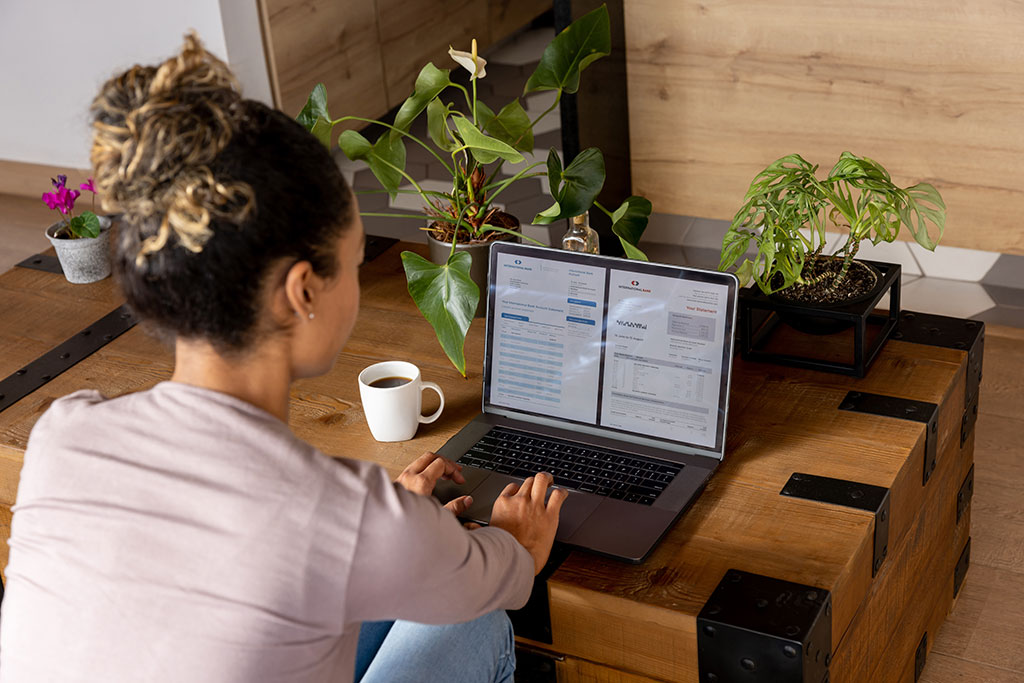
Internet Banking provides you secure 24-hour access to your accounts. With Internet Banking, you can take charge of all your accounts from the convenience of your own home.
Features Include
Account Access
View account balances, see copies of checks that have cleared, look at transaction history, schedule transfers, and export data into Microsoft Money or Quicken.

Bill Payment
If you haven’t tried to pay bills online, here is your chance. No more stamps, envelopes, or wasted time paying bills! Set up, schedule, and track single, future and recurring payments.

E-Statements
Get electronic statement instead of paper. Protect your identity – E-Statements are web secure. Statements stay online for 2 years and can be saved for infinite access.

Notify Me
Personalized Email Alerts and Text Alerts to notify you of account status.
Account History
Download your account history directly into Quicken, Microsoft Money, and more.
Loan Payments
Make payments from a Citizens Bank of Winfield deposit account to your Citizens Bank of Winfield loan balance.
Learn more below!
Online BillPay
Bill pay service providing online convenience and value! Your daily routine puts enough demands on your life. Keeping track of your finances shouldn’t be one of them. Now you can manage your financial life with real convenience thanks to online BillPay and e-Bill with Citizens Bank of Winfield.
- Pay & view your bills anytime of the day, on any day of the week, from anywhere in the world!
- Schedule one time, future or recurring bill payments.
- View your payment history on your account.
- Receive online e-Bills from many major billers that notify you when the bill arrives, and can be viewed online and printed as needed.
- Basic Internet Banking is provided at no cost. Bill Pay will incur a $6.95 monthly fee unless 3 bills or more are paid each month.
Here is how to sign up today:
Simply click on the Payments tab from your online banking account and enrollment is automatic! Savings accounts may not be used to pay bills through Bill Pay.
E-Statements
With E-statements, you may sign up to receive an e-mail notification the day your checking or savings account statement is available. It’s eco-friendly, safe, secure and more convenient than receiving your statements by mail. An E-statement looks just like your paper statement but it’s online. No more sifting through pages and pages of transactions. Just use internet banking to view your monthly statement.
Here’s how to sign up:
To enroll in eStatements, follow these three simple steps:
- Log on to your on-line banking account.
- Under Profile Name and Settings, update your email address.
- Click on the Accounts tab and then the Statement link.
- Click on the “Electronic Only Statement” delivery button and then accept.
Notify Me Alerts
Another safe and convenient way to stay on top of your account activity. “Notify Me” allows you to set account alerts to be received either by email or text.
Alerts can be set in any of the following categories:
- Account Activity alerts – Notification when specific types of activity have occurred on an account, or have exceeded the customer’s set thresholds.
- Messaging alerts – Notification when messages are sent to your online inbox.
- Security alerts – Notification when security-related changes have been made – e.g., contact information is updated, or when certain banking operations have completed
Easy as 1-2-3:
Follow these 3 three easy steps to set-up mobile text alerts:
- Click the Alerts tab at top of page, then Settings
- Enroll your mobile phone to receive text alerts or your email address for email alerts
- Select alerts you want to receive on your mobile device or through email.
Alerts are a safe and convenient way to stay on top of your account activity. The Citizens Bank is dedicated to making your financial life easier and safer.
Text message fees may apply, check with your carrier for details. Text messages are sent at 3 different intervals each day as operations are processed. You can expect to receive texts at 8am, 9am and/or 3pm depending on the type of alert you have selected